Is there a way to use transitions with the blog loop?
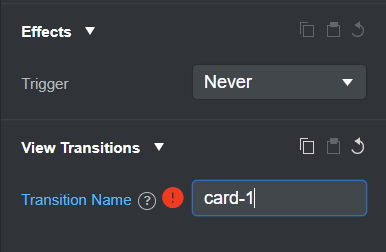
I get a warning at the moment as the loop duplicates each element on the page - it would be good if blog loops could create this dynamically if not
Is there a way to use transitions with the blog loop?
I get a warning at the moment as the loop duplicates each element on the page - it would be good if blog loops could create this dynamically if not
Following css will do it for you, change the keyframes to your liking
@view-transition {
    navigation: auto;
}

::view-transition-group(root) {
    animation-duration: 0.5s;
}

@keyframes move-out {
    from {
        transform: translateY(0%);
    }

    to {
        transform: translateY(-100%);
    }
}

@keyframes move-in {
    from {
        transform: translateY(100%);
    }

    to {
        transform: translateY(0%);
    }
}


::view-transition-old(root) {
    animation: 0.4s ease-in both move-out;

}

::view-transition-new(root) {
    animation: 0.4s ease-in both move-in;
}
Currently, all view transition names in one page must be unique. I’m not sure that adding unique transition names in Blog Loop Items (e.g. card-1, card-2, card-3) would be the best approach as that would mean that the user has to match these transition names in every blog page and keep them in sync. Every transition also comes with some rendering overhead especially in blog loops with a lot of items.
What I can currently suggest as a workaround is:
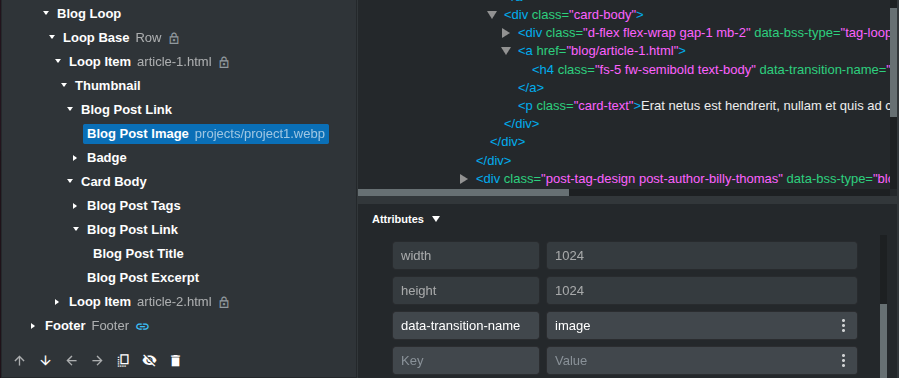
Add a custom data- attribute with the desired transition name to an item in the Blog Loop (from the Attributes panel - data-transition-name in the example). This attribute will be applied to all blog loop items.
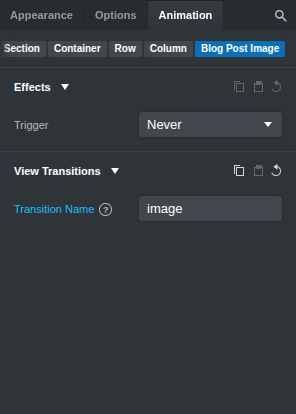
Set the same transition name to the desired element on the blog page.
When the user navigates from the Blog Loop page to the Blog Post page, add the view transition name to the Blog Loop item that the user clicked only.
const posts = document.querySelectorAll('[data-bss-type="blog-loop-item"]');

navigation.addEventListener("navigate", (event) => {
	for (const post of posts) {
		// Find the first <a/> tag in the loop item
		const link = post.querySelector("a")?.href || "";

		// If the URL we're navigating to is the same as the post url
		if (event.destination.url === link) {
			// Find elements with view transitions and dynamically set the view transition name
			const viewTransitionItems = post.querySelectorAll("[data-transition-name]");

			for (const item of viewTransitionItems) {
            	setViewTransitionName(item, item.dataset.transitionName);
			}
        }
    }
});

function setViewTransitionName(element, name) {
  // Remove the name from any element that currently has it
  document.querySelectorAll(`[style*="view-transition-name: ${name}"]`)
    .forEach(el => el.style.viewTransitionName = '');

  element.style.viewTransitionName = name;
}