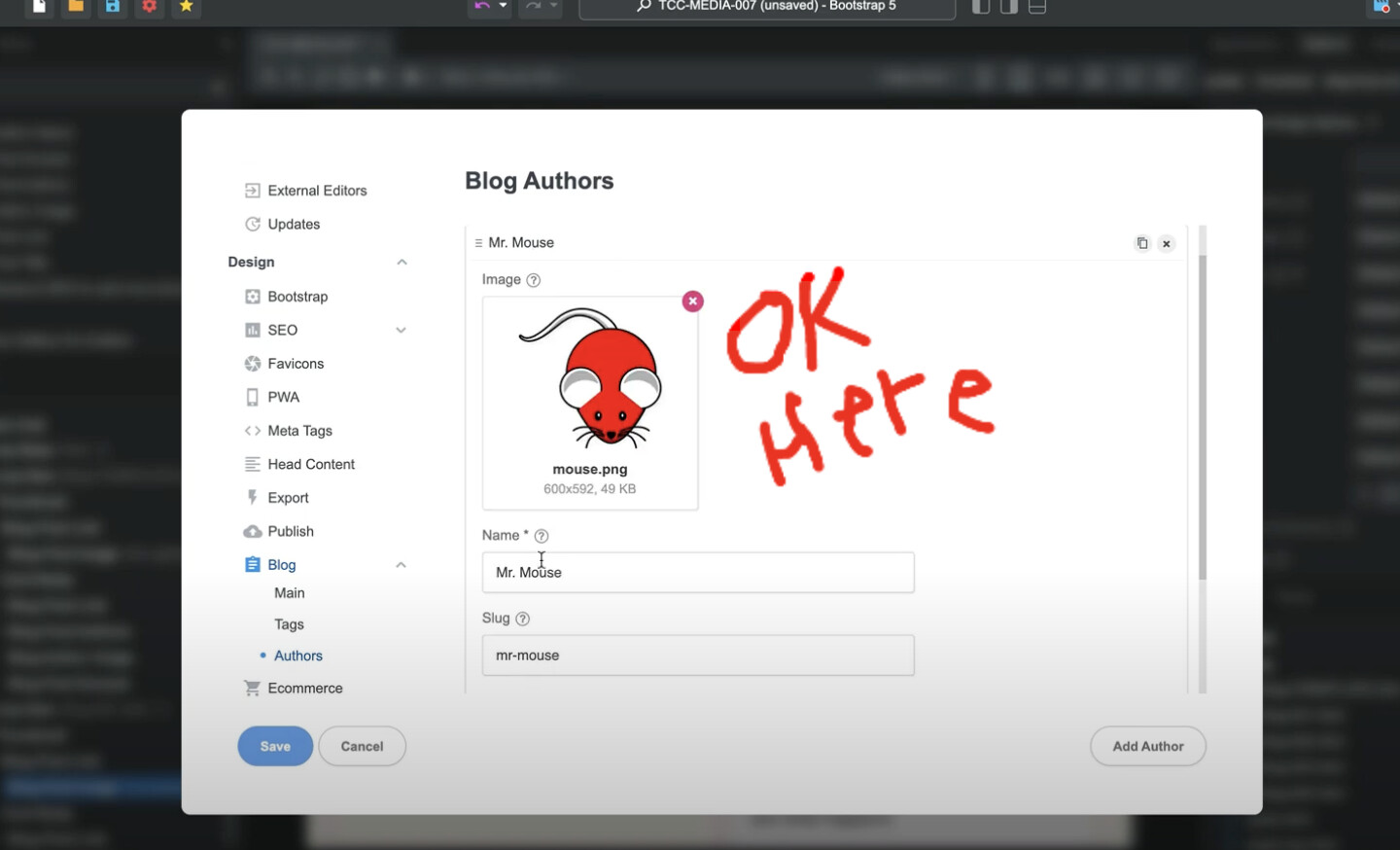
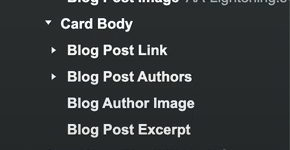
See YouTube screen video…
Click Here
A couple of screenshots…
You need to get the Blog Authors element, place this on the page, delete the items you do not want from the component, then the image shall work.
Thank-you… makes sense… i will try that.
I can’t seem to drag the ‘blog authors’ into the ‘blog loop’, so I have to leave underneath the loop, is that how that works? It seems like it should go into the blog loop.
(Or do i pull it into each Blog Post, maybe that makes more sense?)
(…BUT then how do i selectively include/exclude from different Blog Loops??)
And if that is the case, is there any easy way to copy from one (EG template), into all of my existing Blog Posts /Pages?