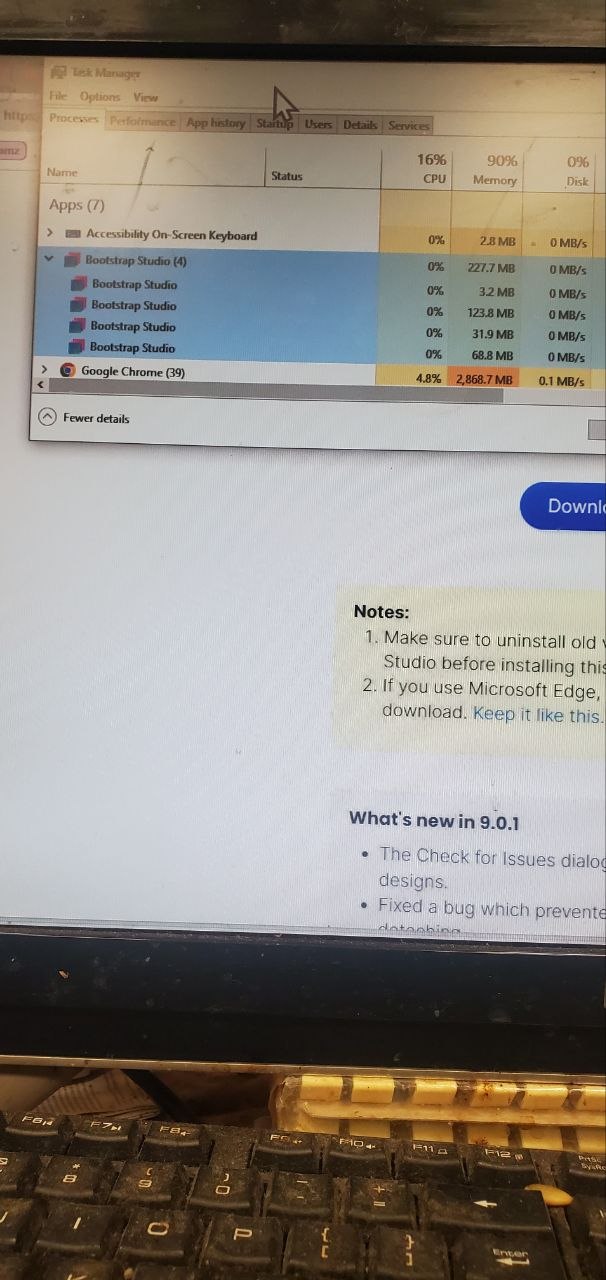
Upon launching Bootstrap Studio a few days ago, it informed me that there was a new update to version 9.0. Upon launching for the first time, it told me about the new version, and I should click on the video to see the new features. The video didn’t play, but later I found out it launched in a new tab. Long story short, the program does not load at all. I see it in the Task Manager, I see it on the taskbar I can right-click on the icon and it shows me the ability to close the window or launch one of the recent projects. When I hover over the icon in the Task Manager it shows the projects six of them that appear there but upon selecting it nothing happens it just goes back to the Task Manager. I closed the app in the Task Manager and launched it numerous times. Nothing works. What are the possible solutions?
Update
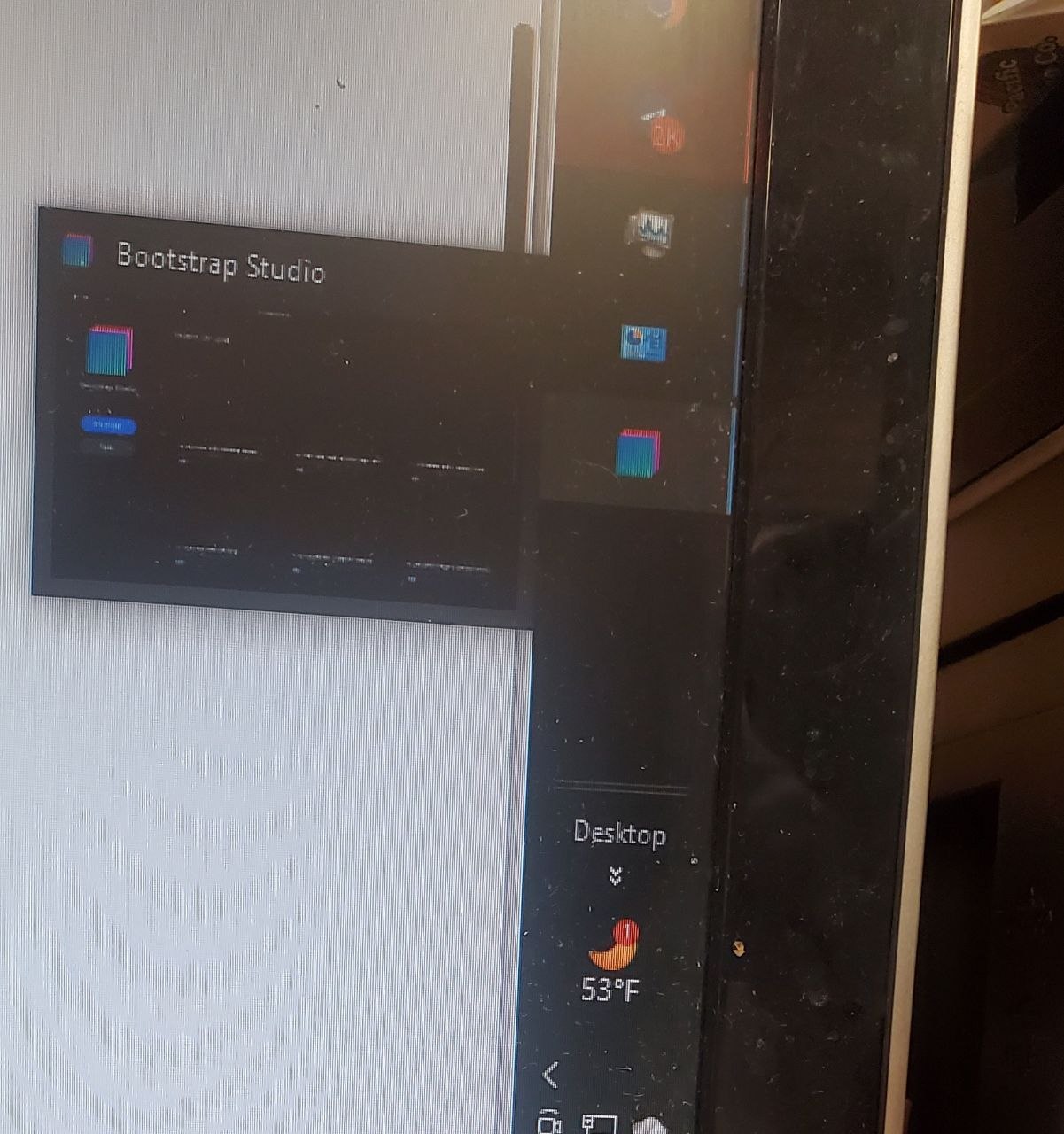
The current state: the icon on the taskbar shows that the program is there with my projects, but when I click on it, it disappears. That’s figure one. The second picture shows the Task Manager with the four instances of the program running. I reinstalled the program from the Bootstrap Studio website, and I have the same issue; it will not load to the point where I can edit my projects.