Hi, I have a website that successfully uses to the Contact Form. Unfortunately it is too successful and people are sending the client long letters that they don’t have time to read or reply to!
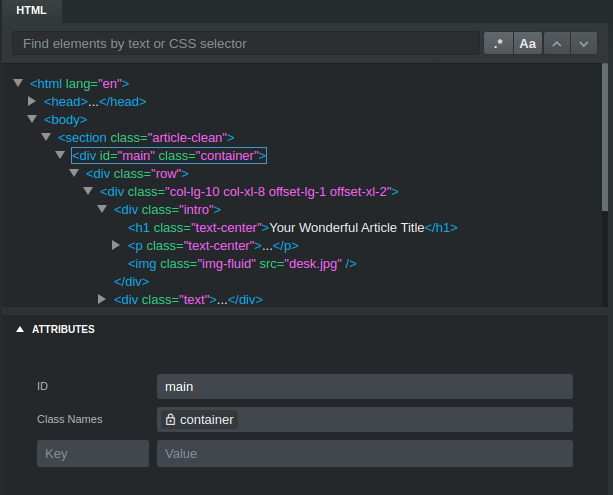
Can anyone tell me how to limit the amount of characters in the Textarea? I know from Google that the command is maxlength=“500” but I have no idea how to add this in Bootstrap Studio.
Hopefully this is an easy one for somebody to help me with. Thank you.
Cheers, Tom.