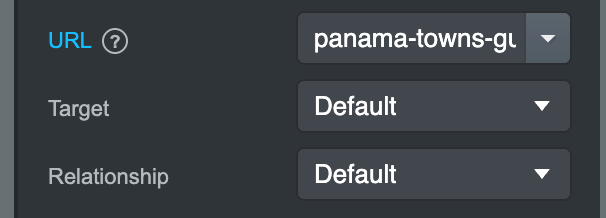
And then click on a blog post. https://panama-work.bss.design/Blog/sunday-in-panama-city.html
At that point, when you click on any of the menu items, like contact, or even going back to news, you’re stuck in a blog loop that’s then taking you back to the home page, instead of taking you to the page you want to go to.
See the link here.It’s adding. /blog/ In front of the contact.html so it’s not going to it correctly.
How do I stop any of the blog post pages from adding this extra blog in front of it? So it can work to go to any of the real menu item pages.
I’m using link components. Both my top menu and my footer are linked components now. It’s working with all the pages except when I’m in a blog post, then when I click on any of the linked components in the menu, it’s adding that blog tag in front of any of the links. The menu system itself does not have that in it. It’s somehow adding this in which then is taking it to pages that don’t exist.
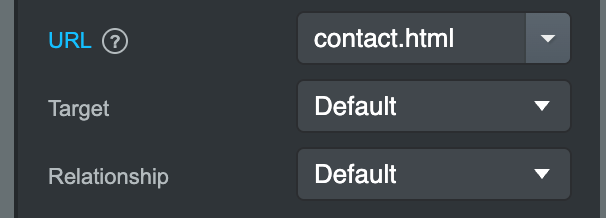
Here’s a screen grab. This is on that blog page. You can see the contact link does not have /blog In front of it. But on the live site, it adds this blog tag, which then takes you to pages that don’t exist.
Here’s what the output ends up being. I have no idea how it’s adding this /blog/ in front of contact As that’s not in the link as you can see in the other screen grab.
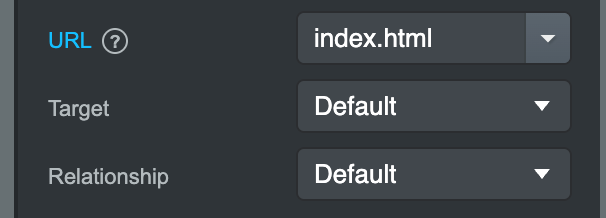
On index.html, your links use a leading slash, like /contact.html, but on the blog post pages, the links don’t have a leading slash (contact.html), so they don’t resolve consistently. If you use linked components, all links will automatically follow the same path format, and everything will work correctly across all pages.
In your case, all links should have a leading slash.
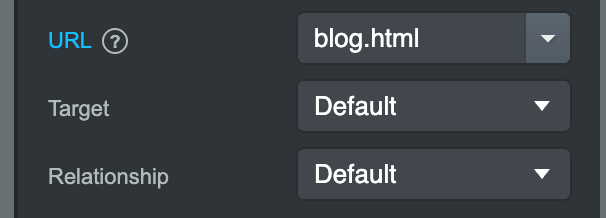
None of my menu items have that leading slash. When I pick the item and add the page, Bootstrap Studio is not adding that slash.
And all the items are component linked. Not a single one of my menu items has that extra slash.
So is Bootstrap Studio just not adding the slash like it should and I have to go back and add it in manually to every page link in the nav?
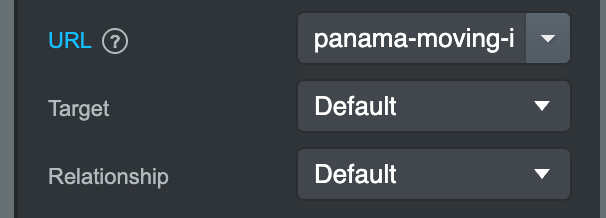
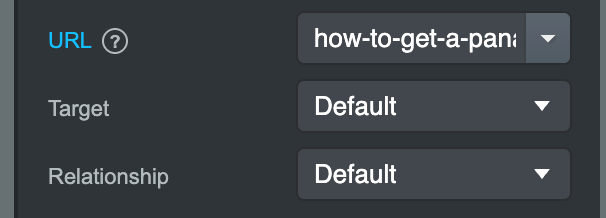
Here’s screenshots showing this is how they come up when I pick the item within Bootstrap Studio. no slash.
I changed the homepage link to this now and it still did not fix the problem. Before I had the homepage just listed as…/ As some of the tutorial videos say to do So now I have no slash Everything has been Added to all the pages that way but still when you go to the blog page and click on a blog post Then none of the menu items work
Okay, I added the slash to all of them. And that’s working for the top menu. I now see I have to go back and add that same slash to every single item in the footer as well that has a link.
Not sure why this is not explained somewhere.
I’ve also now added in blog tags and getting that set up.
Almost ready to start filling in the pages.
Thanks