Ever wondered how you can keep your footer at the bottom of a page that doesn’t have a lot of content? Well, you don’t need to write custom CSS, just use bootstrap tags:
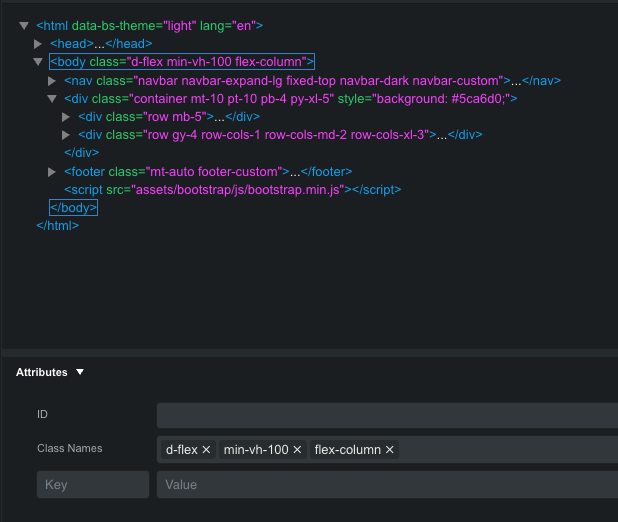
Add these 3 tags to the BODY tag using the attributes panel:
d-flex
min-vh-100
flex-column
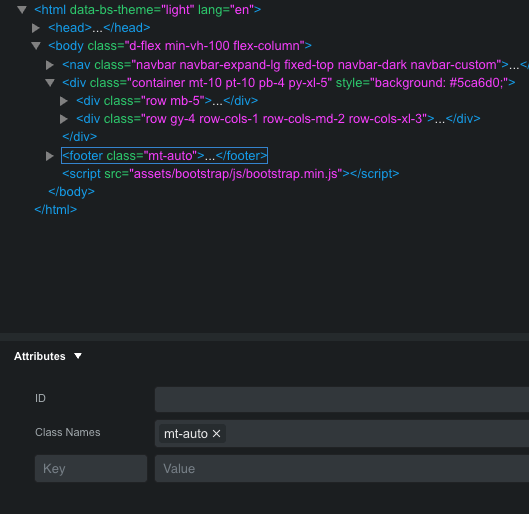
Now add this tag to your FOOTER tag using the attributes panel:
mt-auto
That’s it!
Hang loose 
4 Likes
If you mean, keep your footer visible, i.e. stuck to the bottom, you can just select the footer and type “sticky-bottom” in the class names in the attributes panel.
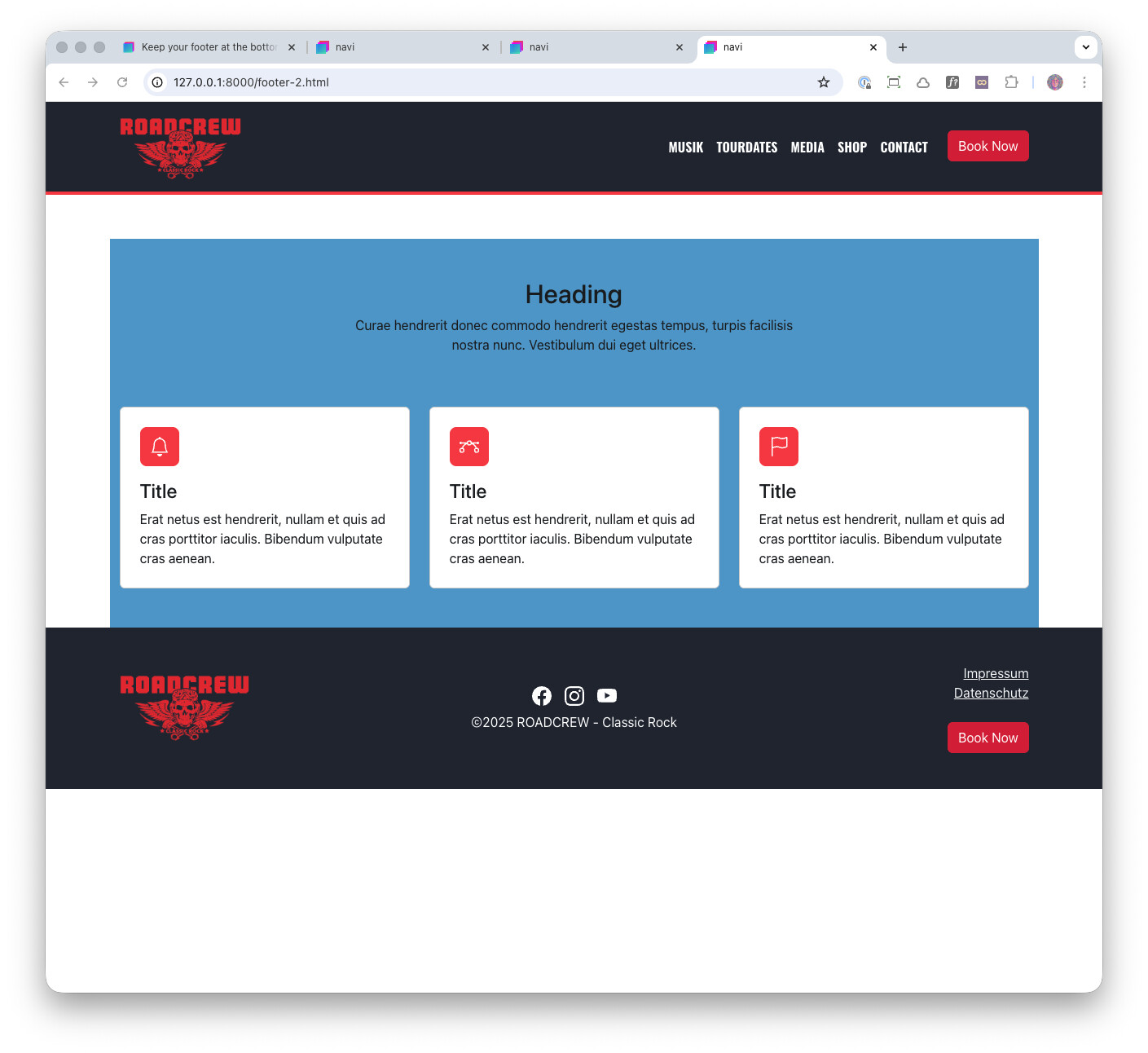
Thanks, but that’s not what I meant. If you use sticky-bottom, when you scroll down the page content will “slide” behind the footer and get hidden behind the footer, like when using sticky-top on your navbar. What I meant was, let’s say you have a page with only very little content. When the amount of content isn’t longer than the viewport, the footer is displayed after the end of the last content, so the footer is not at the bottom of the browser window, but somewhere higher up, like this:
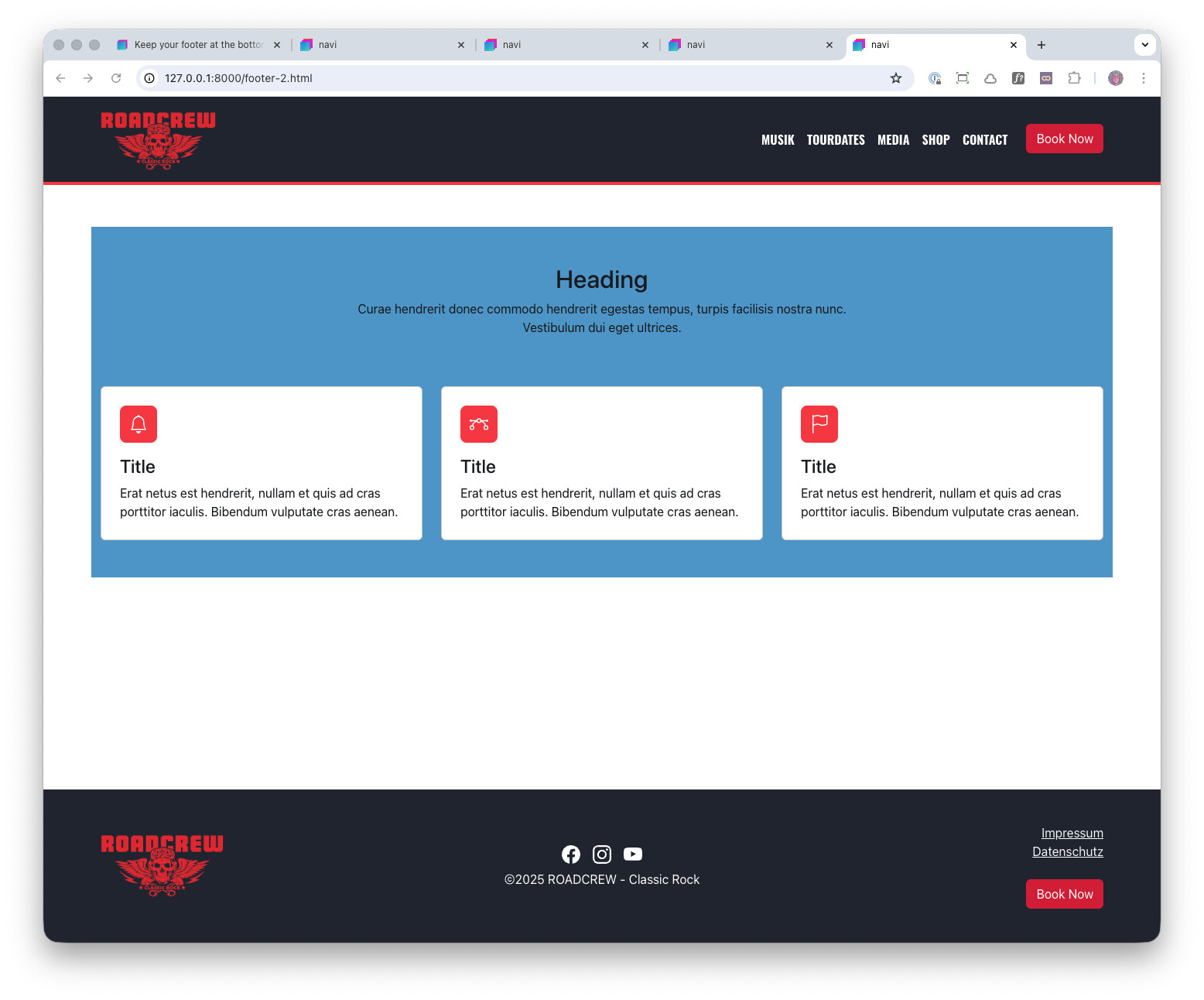
When you use the tags as outlined in my post, the footer is at the bottom of the viewport, even if there isn’t enough content to “push” the footer down to the bottom … like this:
Sorry, I guess I wasn’t very clear in my first post 
5 Likes