Hi all,
When I import this template from themewagon:
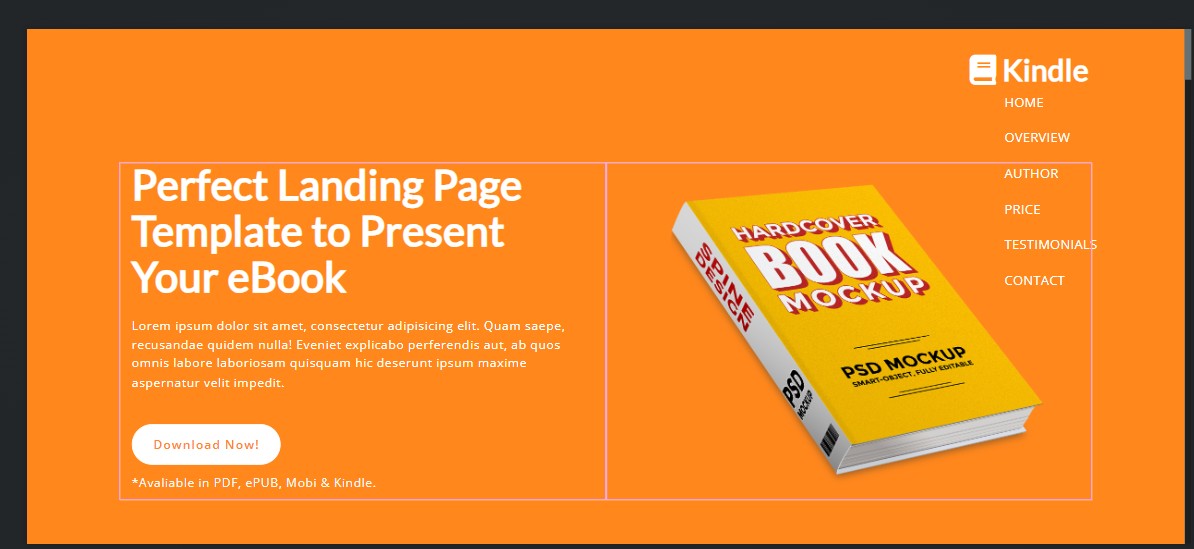
The navbar seems to be thrown off (see below). I have tried to correct this in the settings but havent been able to. Any advice?
Thanks
Hi all,
When I import this template from themewagon:
The navbar seems to be thrown off (see below). I have tried to correct this in the settings but havent been able to. Any advice?
Thanks
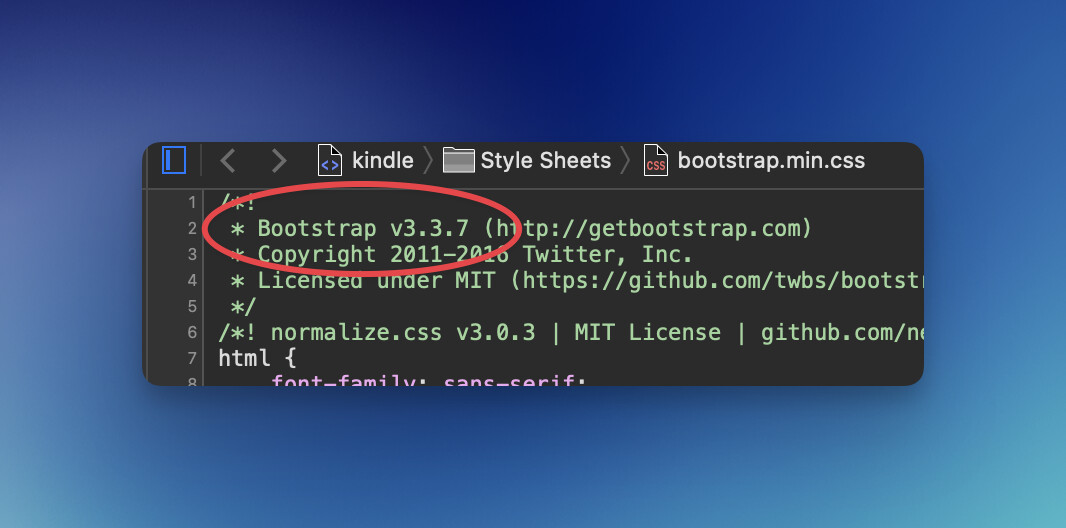
Considering that template (as nice as it is) is very old and uses Bootstrap v3, you are probably doing well if thats your only issue. Changes between 3 and 4 aside, there was massive changes going from 4 to 5. You will have to do some tweaking.
I also see its also using Owl Carousel. Although that was fantastic back in the day, it was abandoned years ago. So you might want to also consider updating that to something else.
If that all seems too daunting, finding another template, that doesn’t have 8 year old reviews could be an option.  Or using it as a guide rebuild it in BS 5.
When you create a new design, you can choose between Bootstrap 3.4, 4.6, or 5.3.
It’s usually best to choose 3.4, as it is an older template.
However, I tested the template in 5.3 and it appears to work perfectly well.
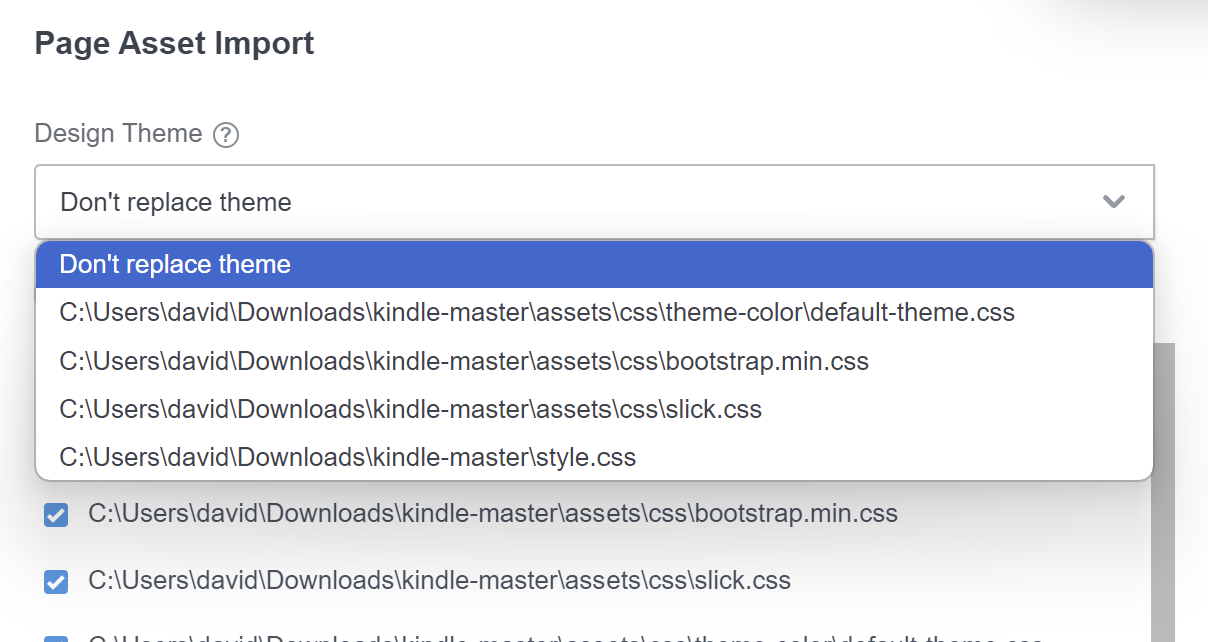
When importing the page, make sure you select the default theme rather than the Don’t replace theme option.
Wow that works now! Thanks.
I have also tried this one but seems to be missing parts of when important, missing images, etc.
What could be the cause of this issue?
Thanks
Not sure why it would be missing images, but you can always download them from the live preview version of the website. An easy way is to install the Imageye Image downloader extension for Chrome into your browser, go the page of the site that has the image(s) you need, and download them.
Weirdly, when you preview the template in a web browser, all the images display correctly, but some of them are missing inside Bootstrap Studio.
However, I found that if you right‑click on the section containing the images in the Overview panel and select Convert to HTML, which turns the components into custom code, the images reappear.
Unfortunately, if you then right‑click on the custom code and choose Convert to Components, the images remain as custom code. Unless you know exactly what you’re doing, that can make them quite difficult to edit.
Personally, I would avoid this template.