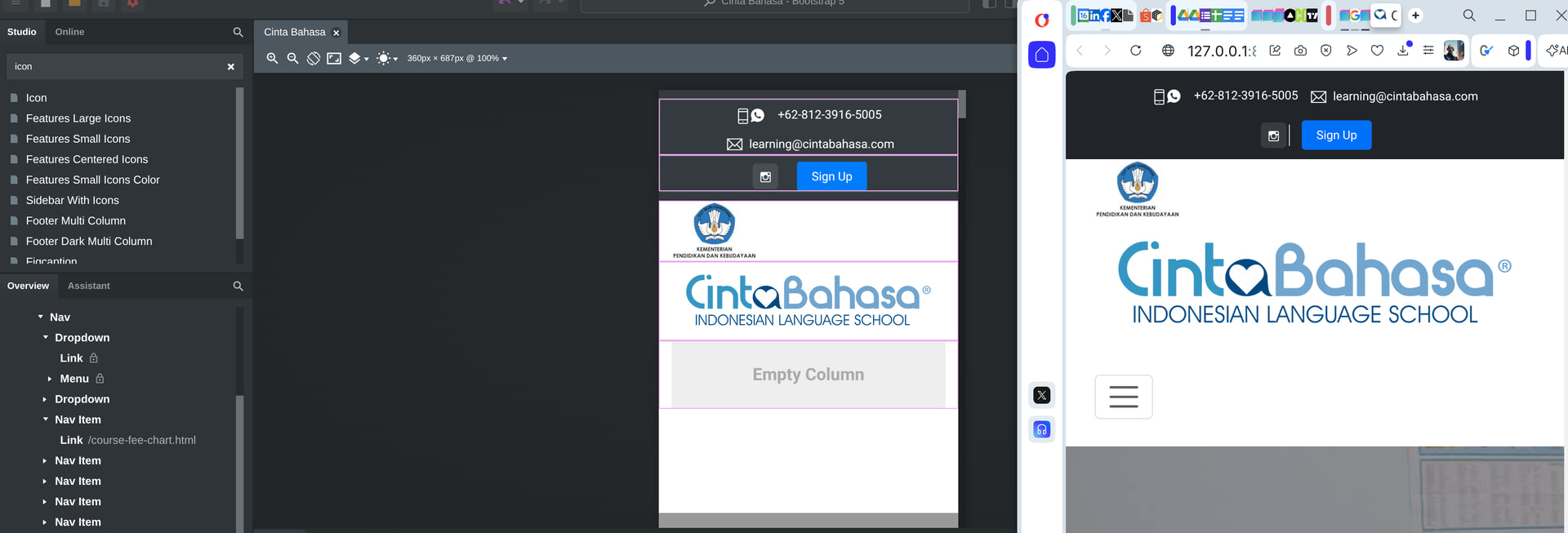
I searched for others having a similar issue with the hamburger menu not showing on mobile and didn’t find anything. I recently put in a request for a “navbar with dropdown” component and was shown how to add dropdowns to the navbar. I rebuilt the navbar using this suggestion but now the hamburger menu is not showing on mobile screen sizes.
Here’s my website: Cinta Bahasa - Indonesian Language School
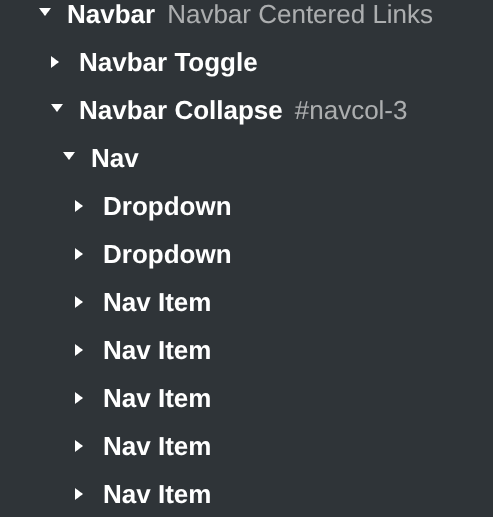
And the structure:
One option I will try is to put an icon above that span class and change it to font awesome fas fa-bars. This could be happening because I’m using Bootstrap 5 code in an earlier version of Bootstrap.
Ah, I see that the hamburger menu is not showing in the workspace, but when I preview it, it is visible.
In the published site bootstrap.min.css and bootstrap.min.js are duplicated. I’m assuming you’ve imported a page and all resources linked in it and that’s how you’ve ended up with duplicated bootstrap files. You should delete those from the Design panel as the app adds them automatically. If you want to use another bootstrap.min.css file in your design, you can import it as a custom theme and select it as the design theme from the Bootstrap Settings pane.
The hamburger menu is set as a background-image in .navbar-toggler-icon by default but the custom bootstrap.min.css you have imported overrides this style by setting background: no-repeat center center;. You can fix this by adding the following CSS: