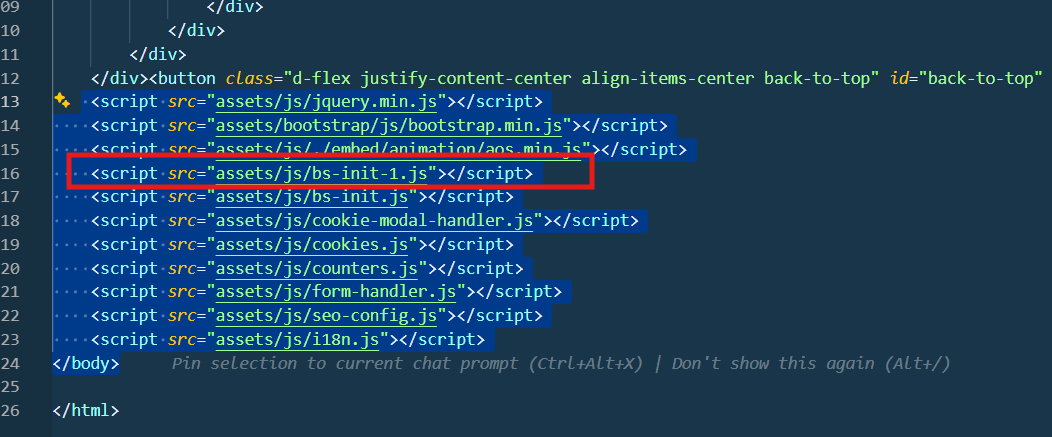
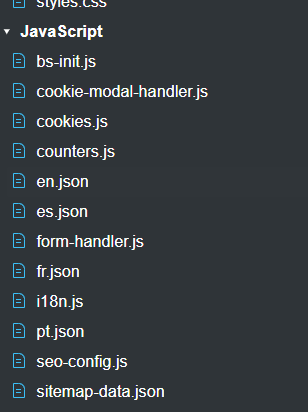
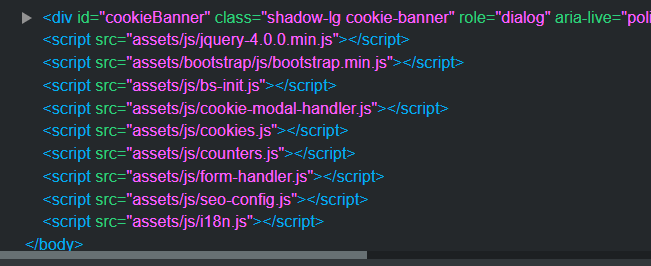
I have a problem: I deleted a file called bs-init.js that the AI assistant generated, but it still shows in the export of the HTML files. How can I clean this? It is not shown in the designer windows. The first image is VS Code; the others are the designer.
bs-init.js is created by Bootstrap Studio, not any AI.
It’s needed to start the animation library, tool tips, graphs and lightbox gallery. You’ll need it for your site to function.
Thanks, but the problem is that when exporting it appears twice, and the file was deleted, but in the HTML still existe the old script sentece. How do i can avoid this in the export? It seems tha somehow the reference has not been properly deleted.
It looks like you have the bs-int.js file in the project, and the bs-int.js file is added during the export by the application, so I think that the issue should be fixed if you remove the file from within the project assets.
It is unclear in this post if that’s what you’ve already tried.
1 Like
Hi,
Thank you for your hint and help. The problem was that the IA, or a previous import from an exported and modified HTML file, put it there. I have deleted it from the designer, and now there is only one script line.
It does not appear in the project file tree anymore, and it seems nothing is broken. Is there any further information about importing HTML? I think I may have missed some important information; perhaps I should uncheck all resources like CSS and JS when importing, since I only modified some HTML code.
Many thanks for the help.