Hi there,
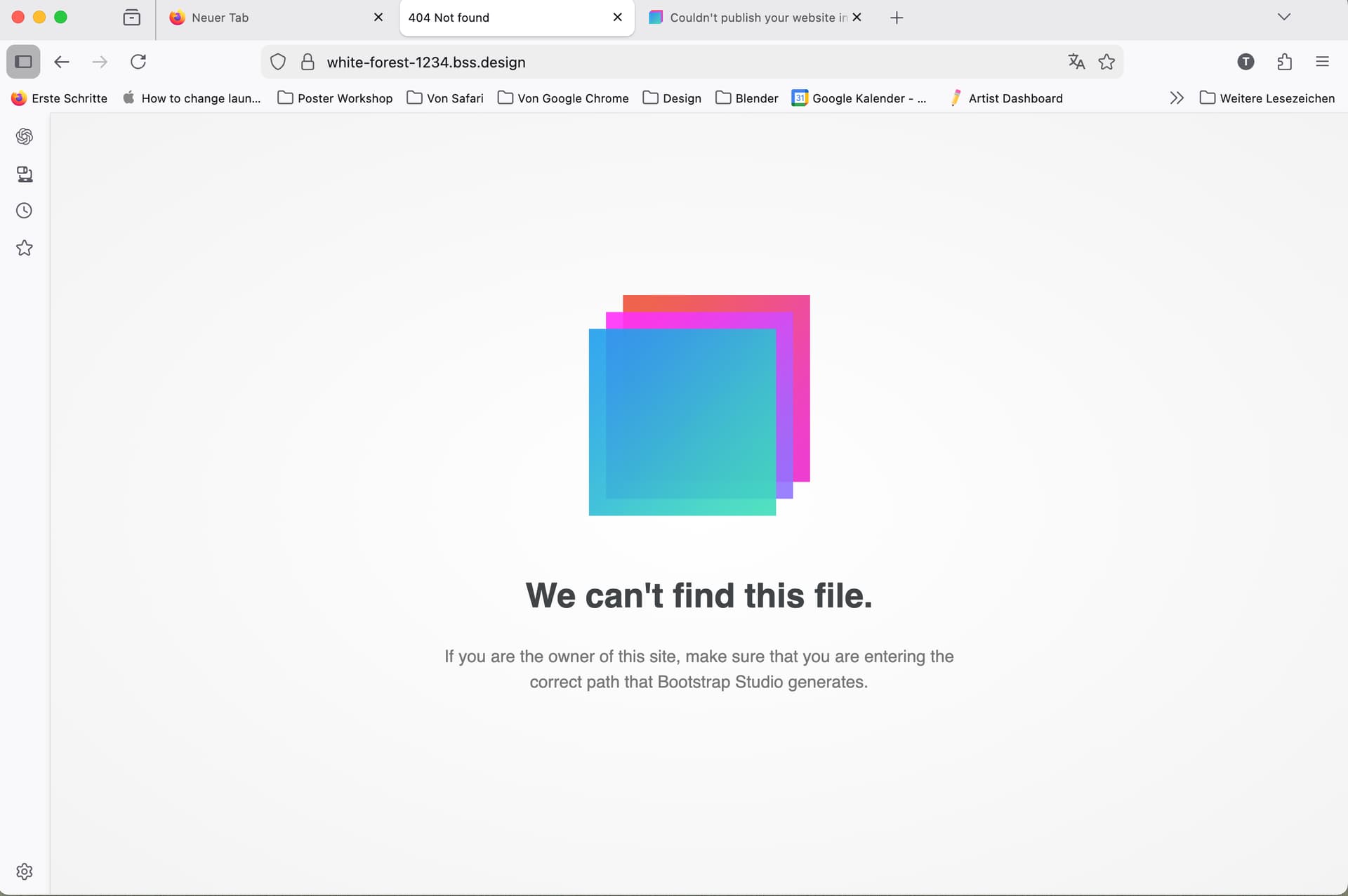
I published my first design today to test it across browsers and devices. After publishing, I copied the URL using the built in copy function and pasted it into the browser address line. I get the screenshot.
What am I doing wrong?
Hi there,
I published my first design today to test it across browsers and devices. After publishing, I copied the URL using the built in copy function and pasted it into the browser address line. I get the screenshot.
What am I doing wrong?
One of your pages needs to be called index.html for the homepage, otherwise you’ll need to navigate to the pages manually by what you named them.
So, find your website homepage and rename it to index.html and this will fix your issue.
Thank you very much, but it was named index.html all along. The site has two pages: index.html and science.html
Ok, so it’s not that - that’s usually the thing that catches people out. Can we do a quick sanity check, and can you confirm you’ve been through these steps and you re-publish your site?
Thanks so much for your help! I feel really dumb now. It turns out I only created the website address but did not actually publish it. Thank you very much again!
I had suspected that!
Don’t worry, I’ve had years of experience with this program but the other month I hit save instead of publish and then wondered why my site hadn’t updated 
Just wait until you start looking for your eyeglasses only to find they’re on your head, or looking for your car keys only to realize you’re holding them.