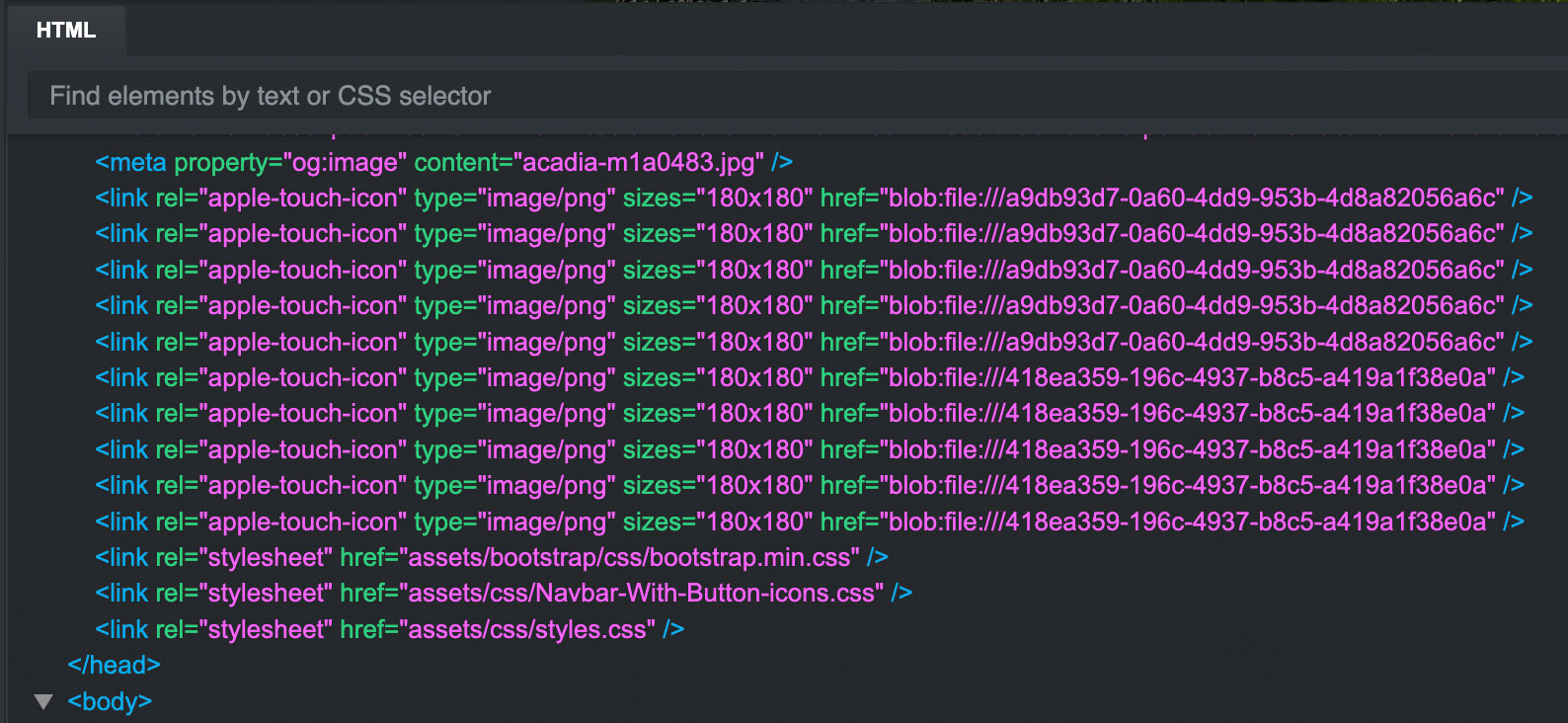
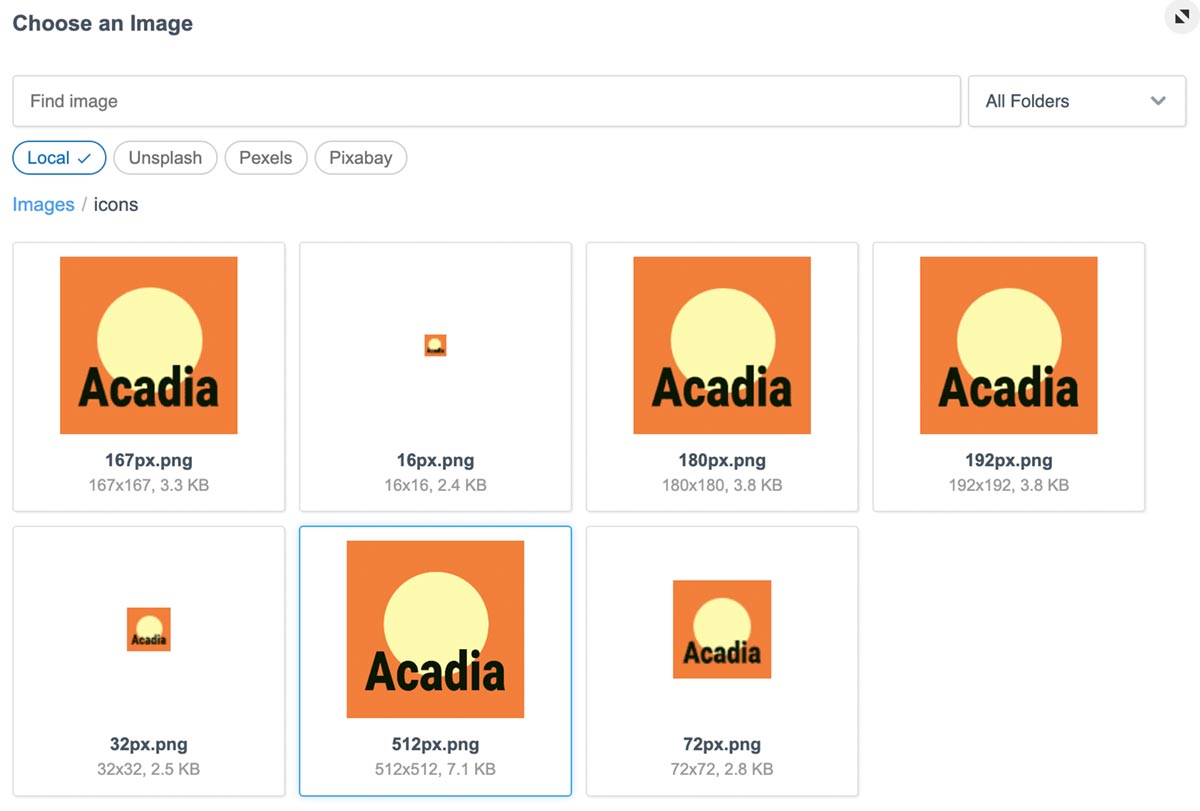
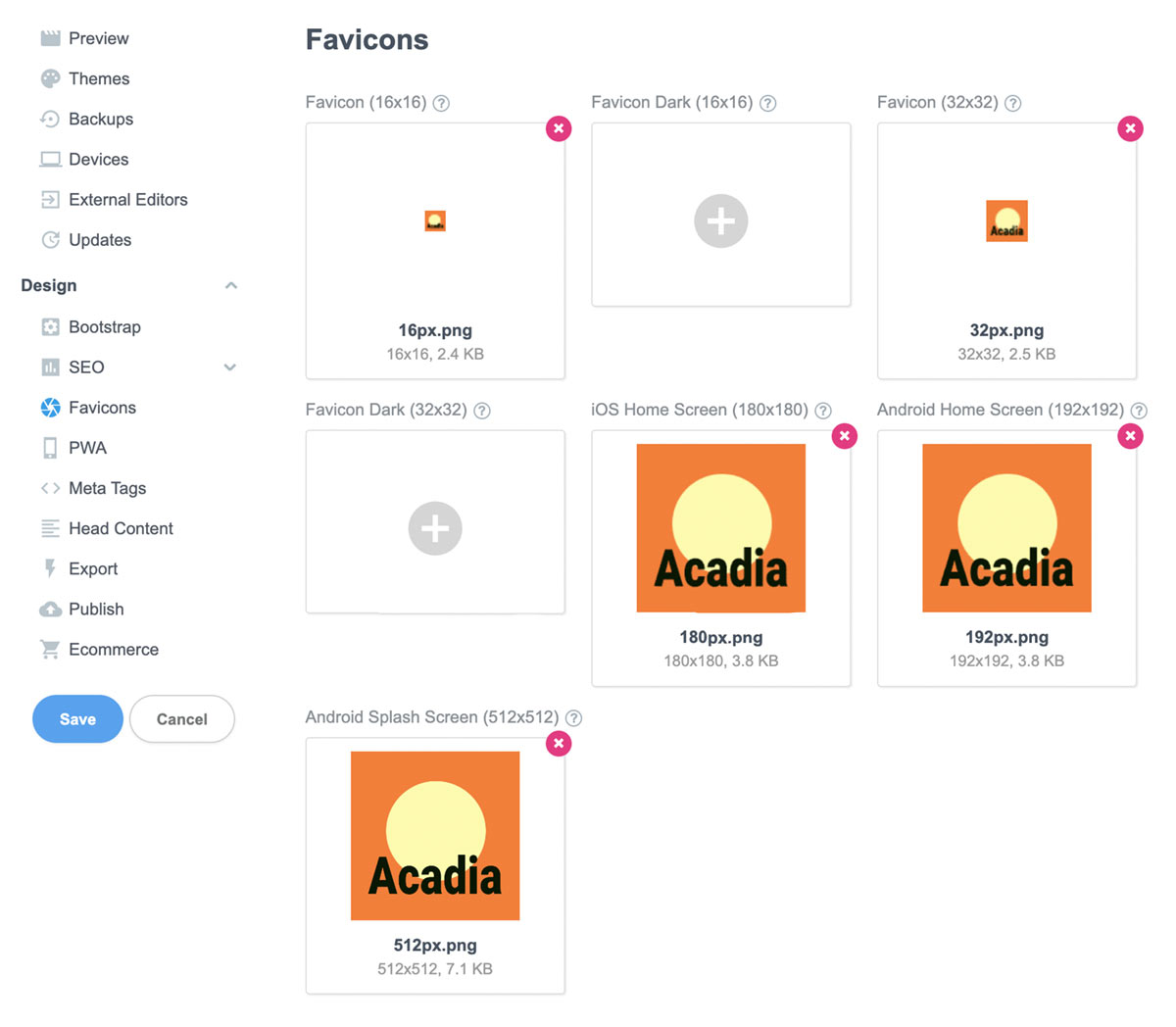
I am having an issue with importing the favicons. I created 16px, 32px, 72px, 167px, 180px, 192px, and the 512px square png’s. After importing them via Settings/Design/Favicons, I checked the code in the HTML window. Every one shows it as 180x180 apple-touch-icons. I have included a couple of screenshots.
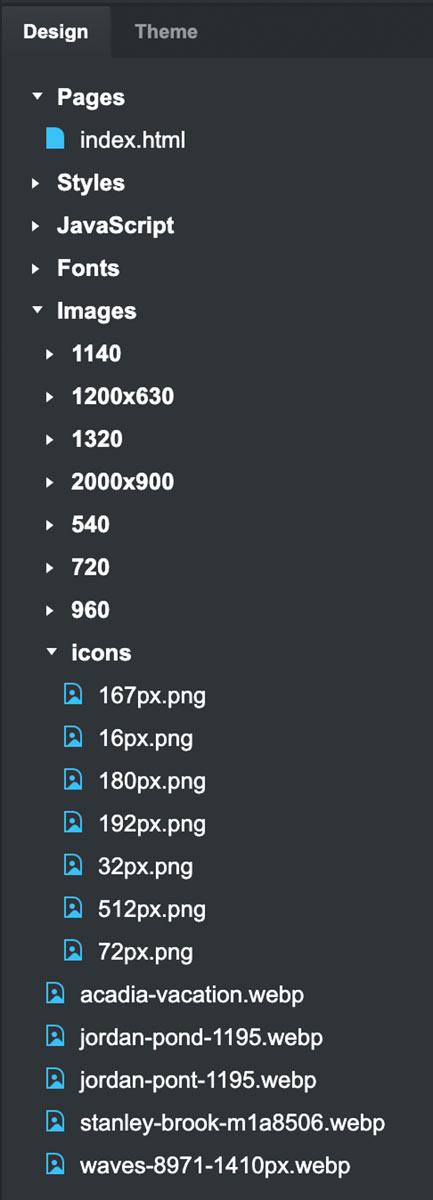
On another note, it was very problematic trying to add folders, rename them, and move things in the lower right Design widow. Most of the time, it was not responding. When it did, it would not do what I was intending. For instance, I would choose to rename a folder but it would instead, move an image into the folder. I tried rebooting but it did not help.
If looks like you have manually added some code into the meta tags or the head content.
BSS doesn’t show any favicons in the HTML panel. Below example with favicons set and og:image, only the og:image shows. (Note this is windows, might be different on mac, but I wouldn’t think so)
I do not recall adding any specific code. I went into the Settings where I added info in the SEO area. I added a link to a 1200x630px image for the OG. Upon doing that, BS automatically added data to OG Title and OG Description.
I then added information for some Meta tags.
I then inquired as to the procedure for adding sub-folders or directories. I followed that procedure to add additional sub-folder/directories. (More about that later.) I also added a folder called “icons” to hold the Favicons.
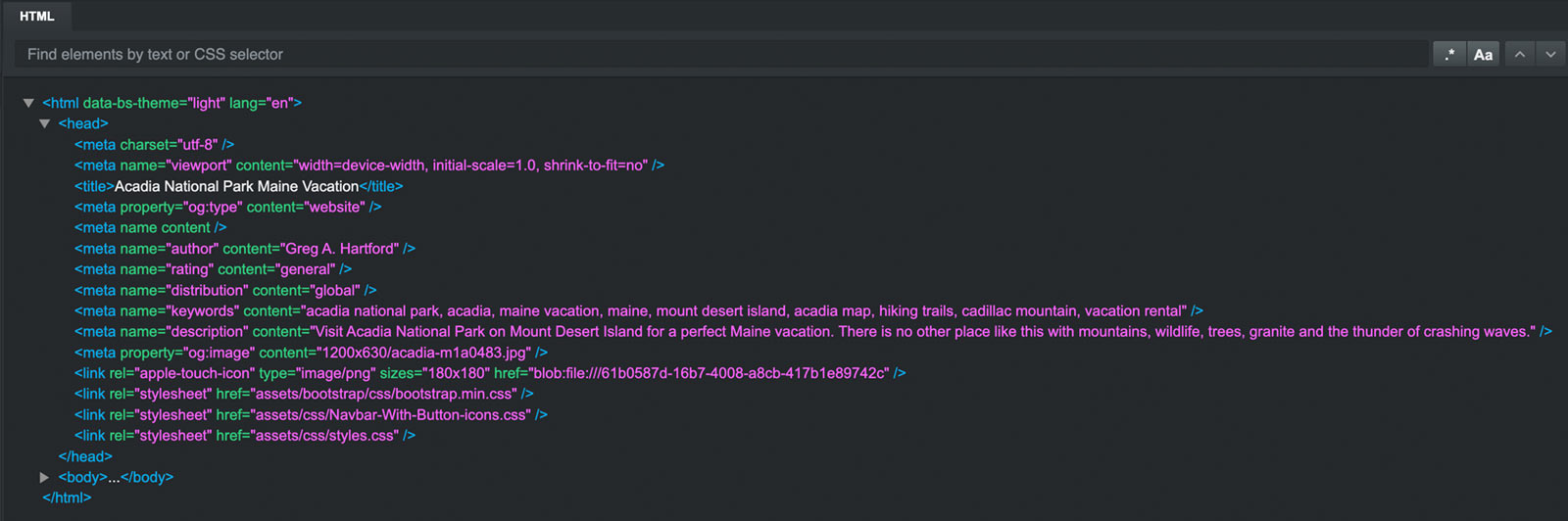
Note, that when I rebooted the page, the code in the Head changed. I am including three screenshots showing (1) Code in the Head section (2) Settings section showing Favicons (3) Lower right Design section showing the files.