I had to format my computer to get the version I wanted, which is 7.1.2, and it seems perfect to me. If I wanted AI to create my websites, I’d be better off using Canva, Base44, or Wix eCommerce; any of those platforms offer that service. Now, the AI is slow, to the point where it’s not healthy to use it. From the moment you run a query, you should know that you’ve already lost control of the design and everything else because it can alter CSS, alter .js, everything, and destroy the entire design. I made some changes to the website, adding some new widgets, and now that I’ve downgraded, it won’t let me open the .bss file because I made the edits in the new version. How are we going to solve this? People who use Bootstrap want to have control over what they’re creating, which is why the forum is still active. There are people genuinely interested in understanding the software and the library. I even thought that after the previous version, they were going to retire because they had created the most innovative thing of the century; for the first time, they had created AI in software. It really did what it wanted, meaning we actually had control of the AI. This version 8 just seems like the AI’s revenge for what we did to it in version 7.1…
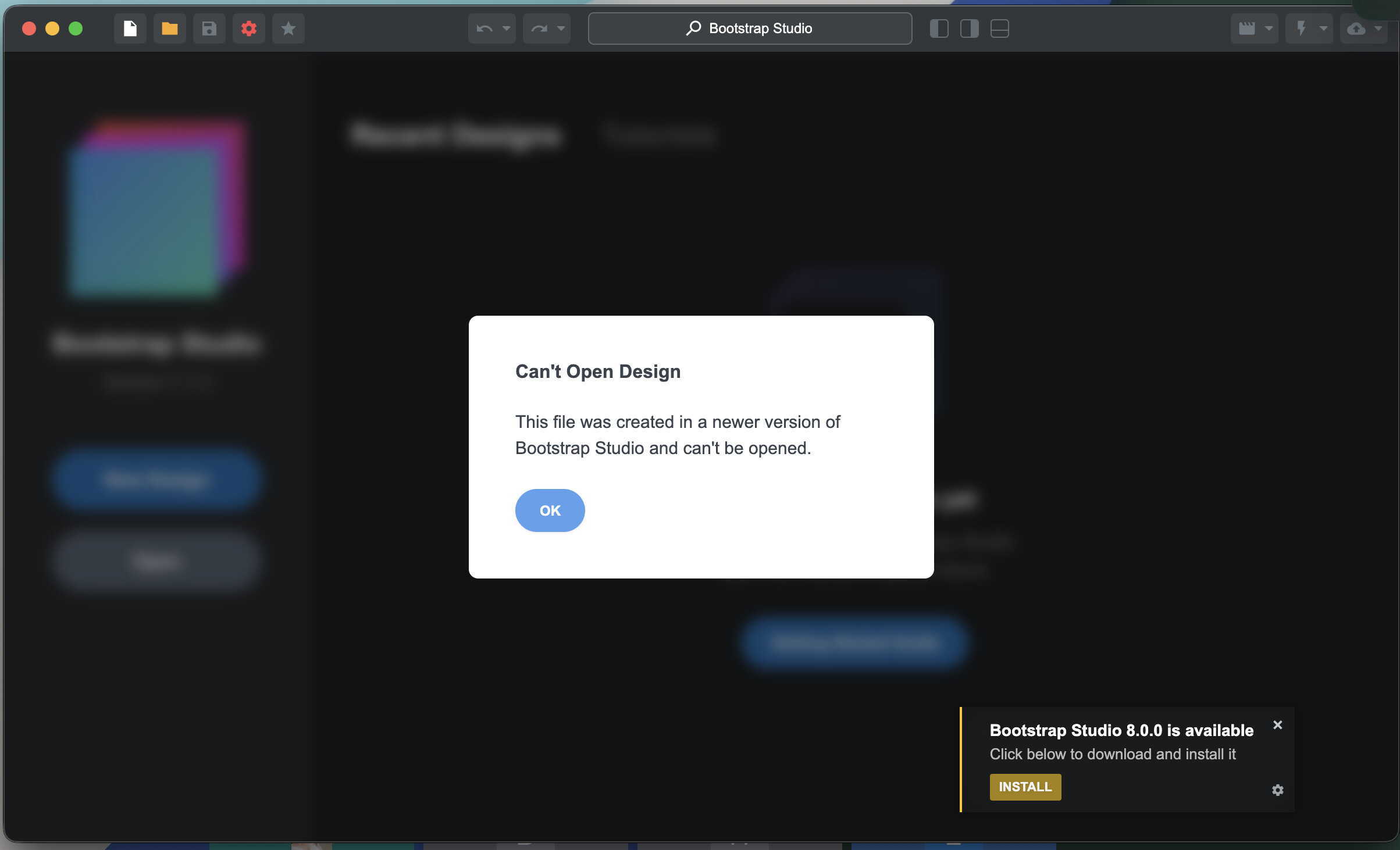
I also find in mildly frustrating that projects created in newer versions automatically can never be opened in older versions. It would be nice if BSS would at least try to open the newer projects in older versions, even if it has to strip out or disable certain features that are native to a project created in a newer version. This is a common issue with Adobe Illustrator, but it still often allows you to open a file created in a newer version, and it will just remove or disable anything unique to that newer version.
I’ll admit that I find this occasionally annoying too. Sometimes my various computers are running different versions of BSS temporarily due to limited internet access.
I do understand the issues that limit old versions from opening newer projects. Maybe BSS should warn when an upgrade could result in incompatibities due to file format changes.
It could also warn when opening an old-version project, saying that saving will upgrade the file format making the project unreadable by earlier versions. Users could be given the option of saving a back-up copy in the original format before editing and saving changes commenced. This would allow rolling back to earlier versions (obviously without subsequent edits).
.bsdesign files are actually just a GZIP-Compressed JSON file. So if you want to downgrade your project file, extract the archive to get the JSON, change the version number at the top of the file, then recompress it.
{
  "version": 84,
  "timestamp": 1734472719215,
  "design": {
    "id": "4d626dc729ac8f280d08e8fe8832d55a_1734465657153",
    "name": "Test",
    "settings": {
      "theme": {
        "id": "default",
        "type": "builtin"
      }
    }
  }
}
Doing some poking and prodding on the files I have on older versions, here’s a table of the internal version numbers, and the corresponding software versions.
| Internal Buld Version | Bootstrap Studio Version |
|---|---|
| 84 | Bootstrap Studio 6.0–6.3 |
| 85 | Bootstrap Studio 6.4–6.6 |
| 86 | Bootstrap Studio 6.7–6.9 |
| 87–89 | Bootstrap Studio 7.x |
| 90 | Bootstrap Studio 8.x |
@catkin It works perfectly, thank you.
Thank you for starting this thread! I am not sure why the AI panel has led you to downgrade. You can ignore it’s there and the app will work exactly like previous versions. Many users wrote to thank us that we’ve added it, so I imagine it’s genuinely useful to many people.
There is no need to format your computer to go to an earlier version, you can remove the app and do a reset by deleting the bstudio folder, then install the old version and switch off automatic updates.
The limitation for opening new designs in old versions can be frustrating, but is unavoidable. When we add new features like new components, or new options to existing ones, they simply can’t work in the previous versions since these component/options did not exist there. In many cases (if you haven’t used the new components in your design for example) you can edit the version of the bsdesign file like catkin suggested. But if we’ve done big reorganizations of the file format, this will fail.
Some applications like Photoshop and Illustrator can open new files in old versions but they have huge dev and test teams they can throw at the problem. And even then it works poorly in many cases. We don’t have such resources.
What do you know about this 8.0.1 update? I’m afraid to update; they already broke my Bootstrap Studio once, and I don’t want to risk them destroying my website again, especially now that I don’t have the time.
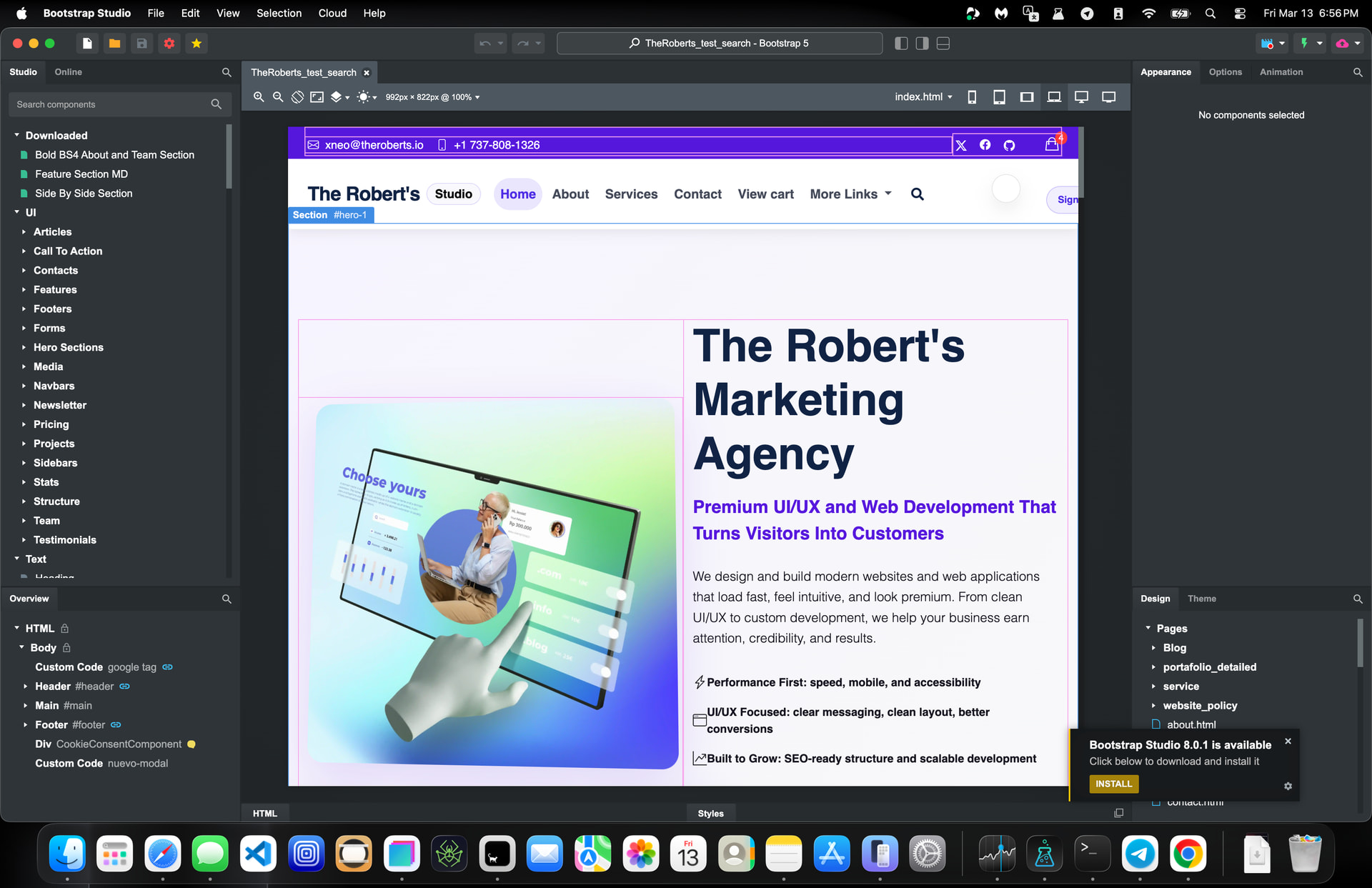
Why would upgrading to a new version “destroy your website?”
Are you not using the backup feature?
I would just like to +1 this. I do not believe the time spent on innovating this tool is well spent when done on AI. Just voicing my concern that’s all. There are a bunch of other things that could be added/improved instead of an AI tool, that for one, will make you more confused especially if you are a beginner.
Suggestions to improve the program are welcomed enthusiastically by the developers. I’ve made many over the years that were (to my delight) incorporated into the program. Not many software companies pay attention to their users the way the BSS devs do. There’s little point in griping about features you don’t like when you can simply ignore/not use them.
There is a point… it’s called feedback good or bad. Anyway, I’ll leave it here.
Okay, but I’m still curious as to the other things you feel could added or improved.